Fit & Sizing·What the rule says
How ASOS Says to Find Your Right Size: The Three-Step Guide
ASOS's customer-care page sets out a three-step process for choosing a size: check how the item fits on the model, consult the Size Guide and product details plus customer reviews, and optionally use the Fit Assistant for a personalized recommendation. Here is the process as the retailer gives it, along with the limits ASOS itself notes — including that the body-measurement chart and Fit Assistant are not available for all items, and that the Fit Assistant is powered by the third-party Fit Analytics.
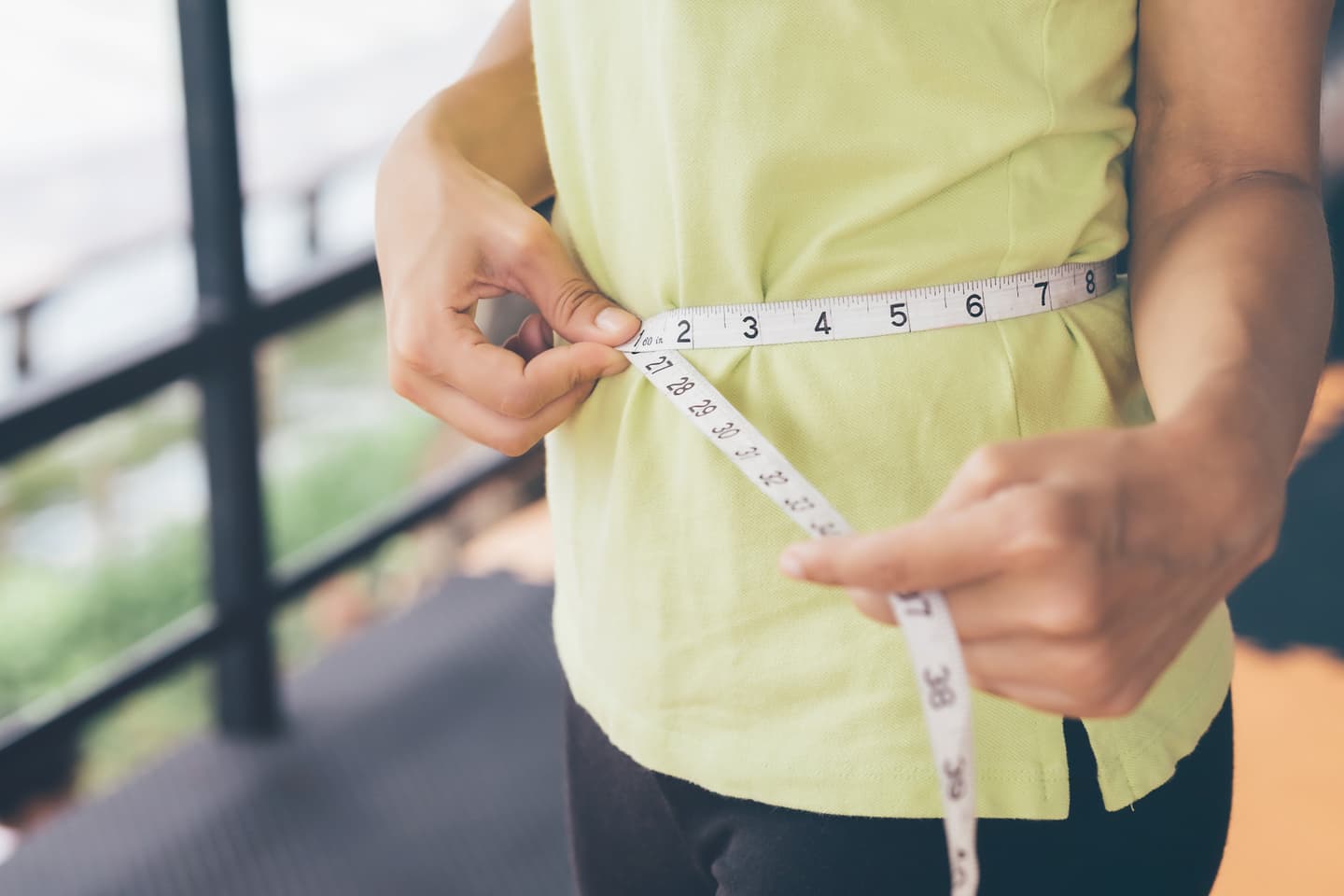
Watch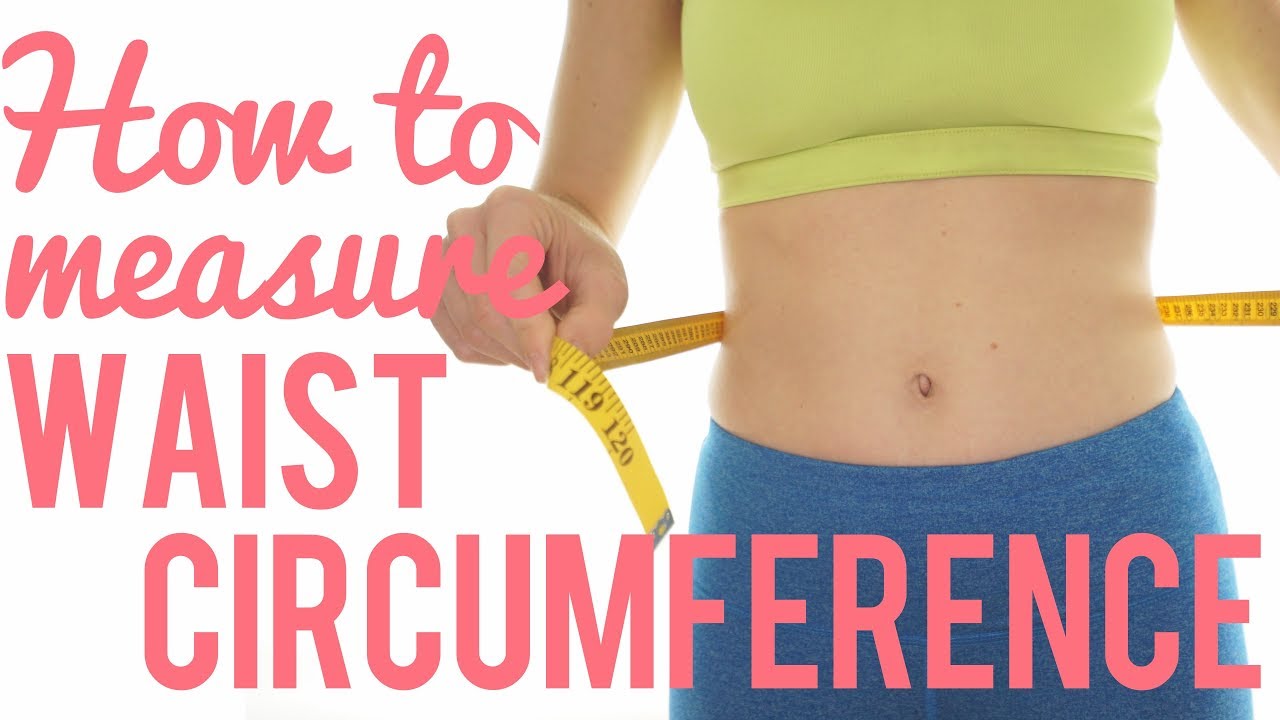 How to measure Waist Circumference
The recording belongs to Nourishable, not to this publication, and it plays from YouTube: opening it lets YouTube see the request.Watch on YouTube instead.
Contents
Choosing a size online is harder than trying a garment on in a fitting room, which is why ASOS's own customer-care guidance breaks the choice into three steps: first check how the item fits, then see what the retailer and other shoppers say about the product, and finally — optionally — get a size match from the Fit Assistant. This article follows those steps as ASOS describes them, and flags the limits the retailer itself states.
Step 1: Check how the item fits
ASOS starts with a visual shortcut. Under the product images, the page tells you the model's height and the size of the item they are wearing. Comparing your own height and usual size against that gives a quick sense of whether the piece runs large, small or true to size — for example, hypothetically, if the model is tall and wearing a smaller size than yours in an oversized cut, you can expect a looser fit.
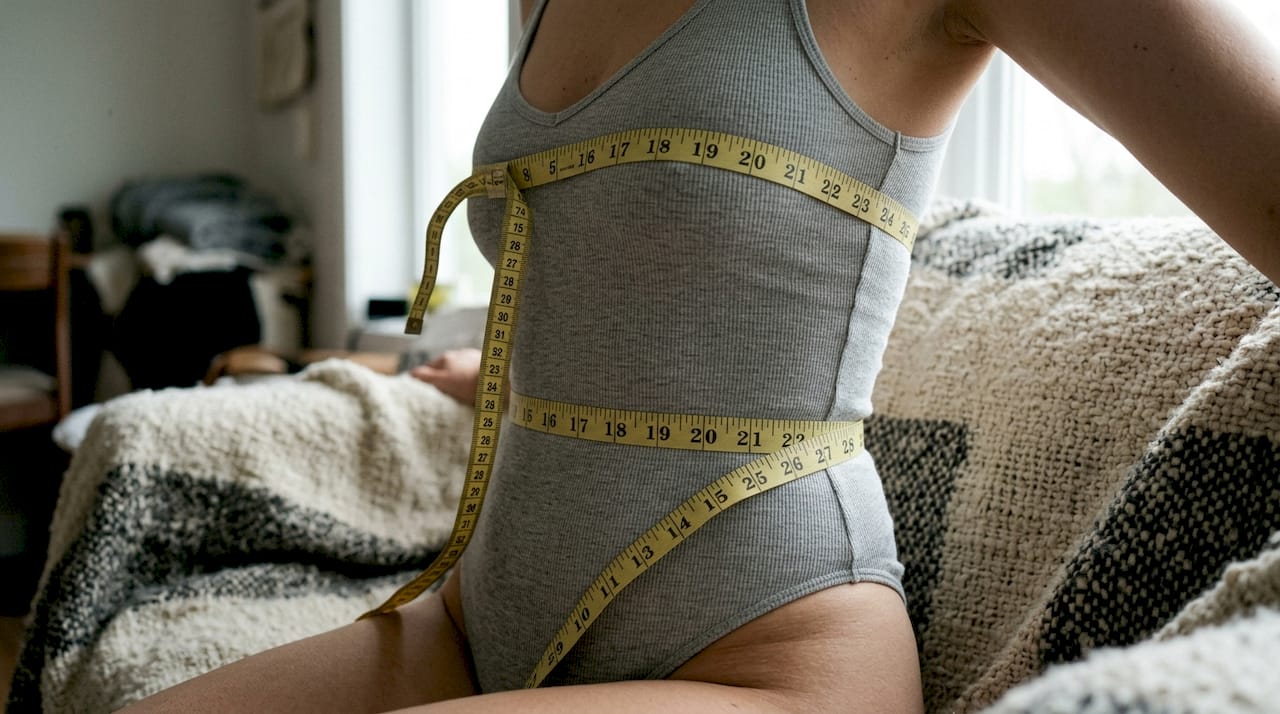
The Size Guide itself offers two charts. The first is the Body Measurements chart, which you use by comparing your own measurements to the chart to see which size could fit best. The second is the International Conversions chart, for shoppers who normally use a different sizing system such as US, UK or EU: it maps the brand's sizing onto the system you know. Note one limit ASOS states here: the body-measurement chart is not available for everything yet, though the retailer says it is working on adding it to more items.
Step 2: See what ASOS and other shoppers say
The second step is to read the item's own listing and its reviews before deciding.

- Open the 'Product Details' tab: ASOS says this describes the fit (for example, regular or oversized), the fabric, and key features, which it suggests will help you decide whether to size up or down.
- Check customer reviews: the retailer describes reviews as real-life feedback on the fit, comfort and quality of the item, and invites shoppers who have tried an item to share their thoughts.
- Weigh the two together: what the Product Details say about the cut and what reviewers report about the fit are both part of ASOS's guidance for judging whether to size up or down.
Step 3: Try the Fit Assistant
For a personalized recommendation, ASOS offers the Fit Assistant. You log in and enter your height, weight, fit preferences and order history, and it suggests a size. The retailer says the recommended size then appears automatically each time you shop, and that you can update your details on desktop by clicking 'Fit Assistant' or in the app by tapping 'Your details' in the Fit Assistant window. You will find it as a blue icon near the size drop-down.
Two limits and one data note come straight from ASOS's page. The Fit Assistant, like the body-measurement chart, is not available for all products yet — ASOS says it is working on it. And the feature is powered by a third party called Fit Analytics; ASOS states that it and Fit Analytics consider the protection of your data very important and say they keep your data safe and secure, and it links to both the ASOS Privacy Policy and Fit Analytics' Privacy Policy. That is the retailer's own statement about how the feature works and whose policies govern it; the page also carries a disclaimer that ASOS has no control over third-party sites linked from its website and is not responsible for their content or availability.
The three steps are ASOS's guidance for its own site, and the retailer marks their boundaries itself: the body-measurement chart and the Fit Assistant do not cover every item. Steps one and two — the model reference, the conversion chart, the product details and the reviews — are available on the product page itself. If no measurement chart, review feedback or Fit Assistant recommendation exists for a particular item, you are back to your own measurements and the returns process, which this article does not cover.
To check any of this yourself, open an ASOS product page and look under the images for the model's height and the size worn, then open the 'Size Guide' to see whether the Body Measurements and International Conversions charts appear for that item. Look for the blue Fit Assistant icon near the size drop-down while logged in, and read the Fit Assistant note and the linked privacy policies before entering your details. ASOS's customer-care page, where these steps are described, can change — so treat what it says today as the current version.
From the source
Written from the pages listed above and checked by the editors. Spotted a mistake? Write to us: corrections keep the address and the first publication date.
Read next
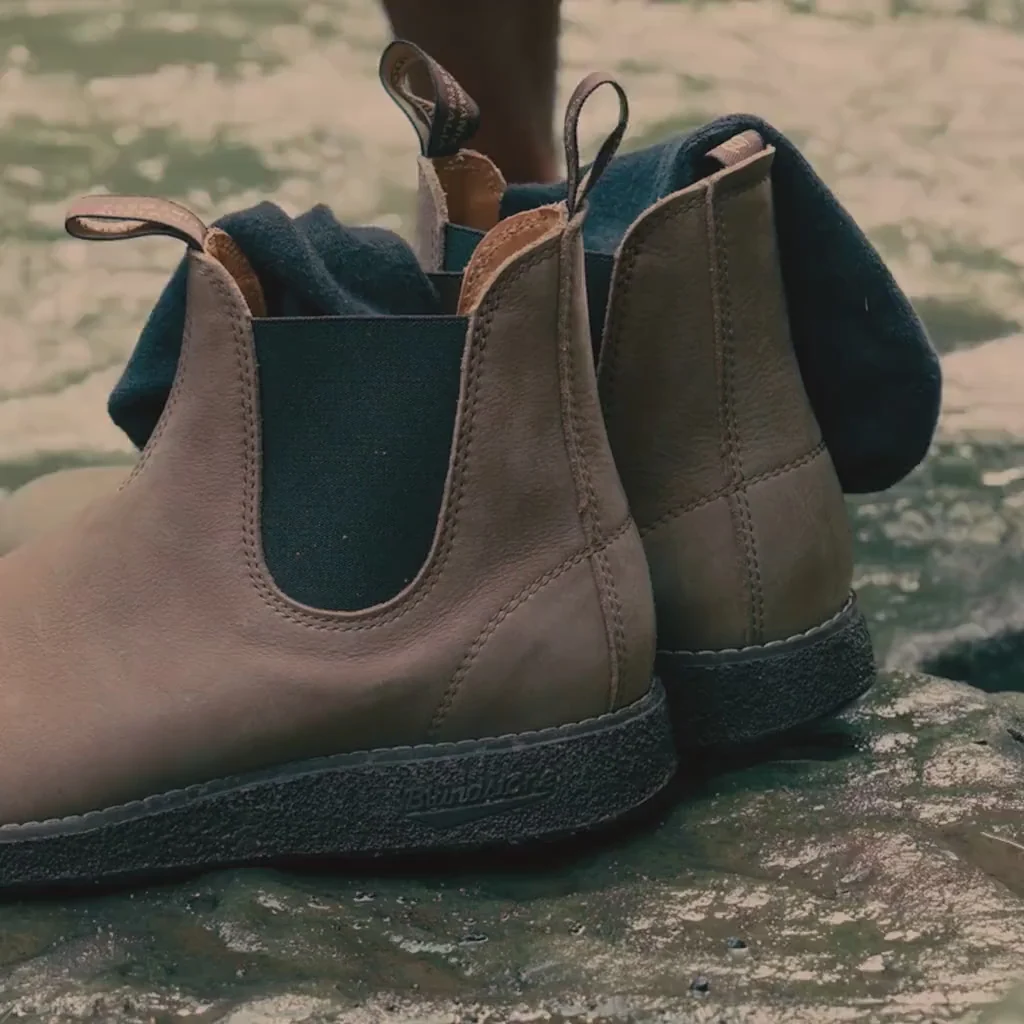
More in FitDo Blundstone Boots Stretch? The Brand's Own Break-In and Stretching Advice (and What It Says About Sizing Up)
Blundstone's own guide says its full-grain leather boots stretch slightly over the instep but not in length, and suggests going up half a size for long wear. Here is the brand's break-in and stretching advice, attributed step by step, plus how to check the fit yourself.
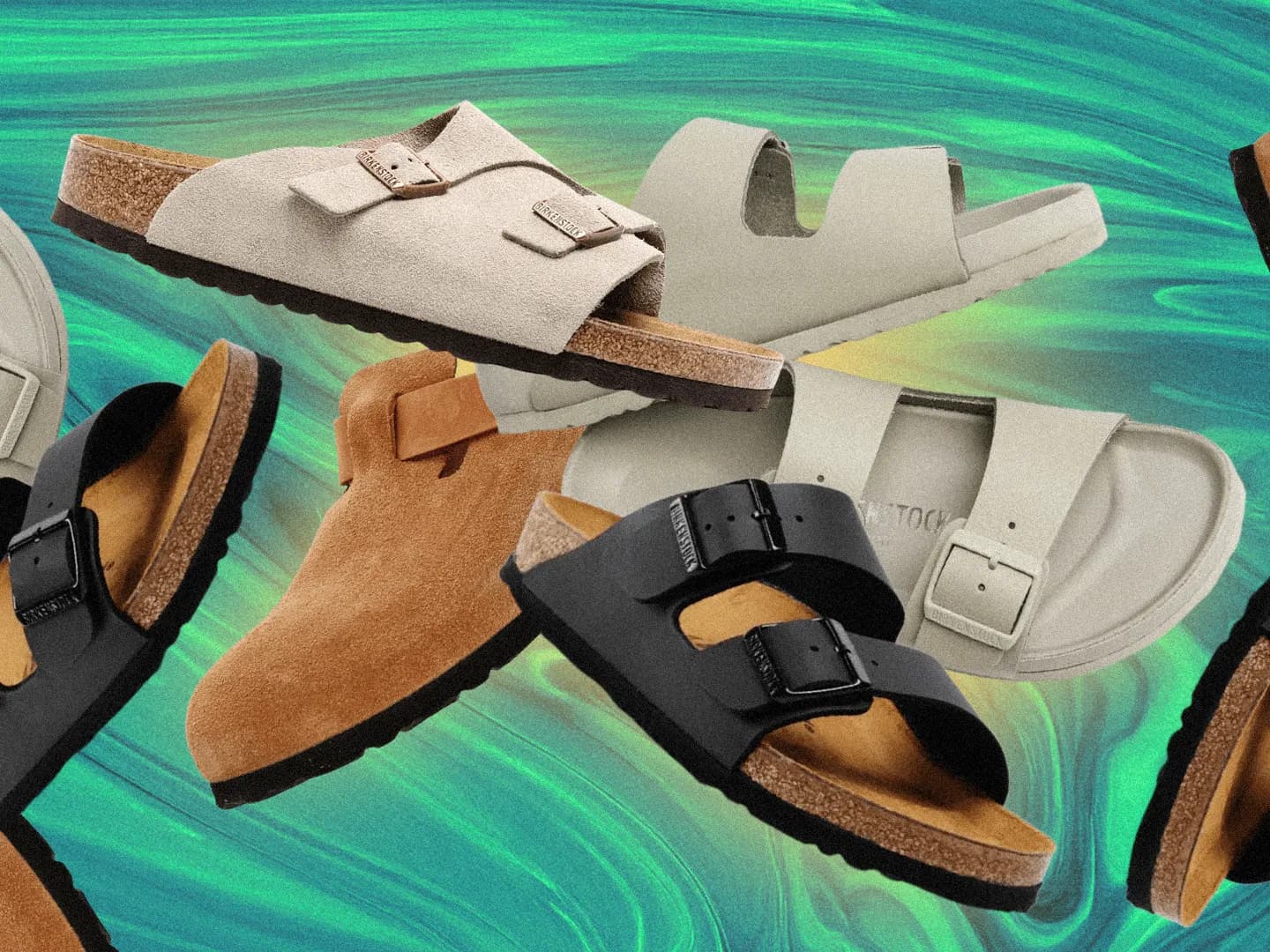
Birkenstock Sizing: EU Size Conversion, Regular vs Narrow Widths, and How the Brand Says to Check the Fit
Birkenstock lists all its footwear in European sizes, and its US fit guide gives a simple conversion: add 31 to a women's US size or 33 to a men's US size to get the EU equivalent. Width matters just as much as length here, because Birkenstock says its shoes are meant to let toes spread outwards naturally. The brand marks width two ways — with an outlined footprint symbol for Regular and a filled one for Narrow — and prints that symbol on the footbed itself. This guide walks through the conversion formulas and charts, the two width systems with their women's and men's equivalents, the quarter-inch toe-space rule the brand gives for a correct fit, the break-in steps it recommends after purchase, and the checks Birkenstock's own FAQ suggests before deciding between Regular and Narrow. Everything here comes from Birkenstock's official fit and FAQ pages; as with any sizing guidance, treat it as the brand's own instructions and verify the fit on your own feet before keeping a pair.
How to Convert Your Shoe Size to Sock Size: Darn Tough's Charts in US, UK and EU Scales
Darn Tough publishes its own size charts that map sock sizes (XS to XXL) to Men's US, Women's US, Euro and UK shoe sizes, with heel-to-cuff height measurements in inches and definitions of no cushion, cushion and full cushion. Here is how the brand says to use them, and where its guidance stops.